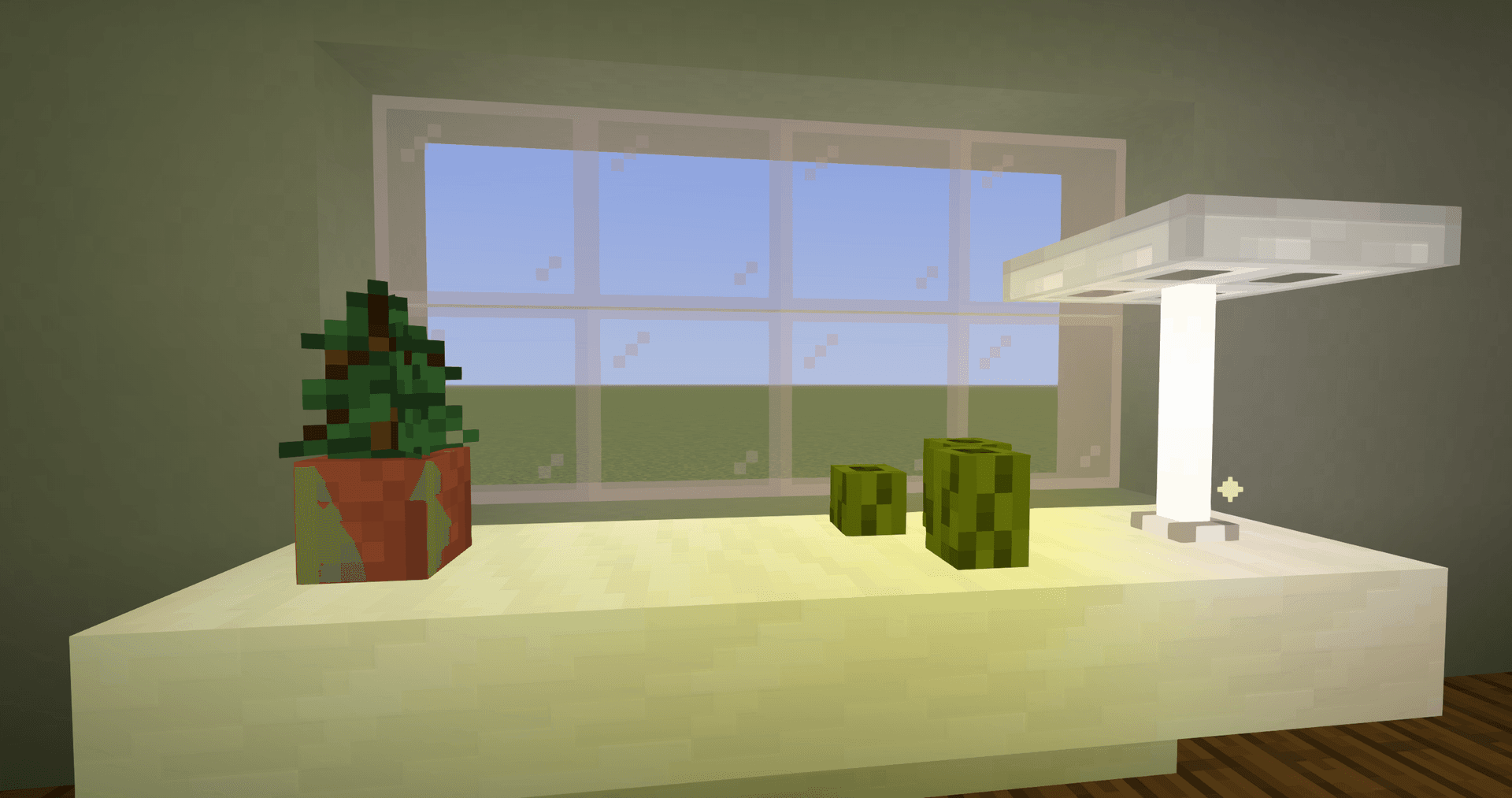
Stracciatella Shaders is a lightweight shader pack for Minecraft that keeps the vanilla look of the world almost unchanged, but fixes its weaknesses. The main feature of the pack is colored block lighting: torches, lava, lanterns, and other light sources glow with their own tint and color the surrounding surfaces. At the same time, the pack is optimized for high performance, making it suitable even for low-end configurations.
Visual Features
The pack stays true to the vanilla style and adds effects that complement it rather than rewrite it.
- Lighting: colored light from blocks with a two-color mode (a separate shade for bright and dark areas) plus HDR emissives — glowstone, redstone lamp, and amethyst glow without requiring a separate resource pack.
- Lightmap: directional with generated or texture normals and a separate gamma setting for sky and block light.
- Sky: custom sky and fog colors for day, night, and rain, custom and falling stars, adjustable size and angle of the sun and moon.
- Fog: volume-like, depending on height and weather, noticeable when paired with the Distant Horizons mod.
Performance
The pack is lightweight and targeted at high FPS: vanilla geometry is not overloaded with heavy effects, so the drop in frames is lower than with heavy realistic shaders. The most expensive part is colored lighting due to temporal accumulation; it is the first option to simplify when more FPS is needed.
Settings
The menu contains over 180 parameters; below are those that affect the balance of quality and speed the most.
- Colored Lights — enables colored lighting; the main toggle for FPS.
- Lightmap (Simple / Default) — Simple retains basic functions and offloads the graphics card.
- Aggressive Optimization (OFF / On / Unsafe) — accelerates the pack; Unsafe may break certain effects.
- LUT — color correction; includes six presets, among them Neutral, Chrome, and Skyfall.
Version limitations: LUT only works on OptiFine G8 and newer; line thickness (Line Thickness) is available from version 1.17 and does not work on Iris.
Resource Pack Compatibility
Shaders generate emissives and normals automatically, so block glowing and surface relief work even on standard textures. If the pack has its own normal maps, the Normals parameter is switched to Texture, and the shader pack will use them instead of generated ones.
Conclusion
Stracciatella Shaders solve one task clearly: they add colored lighting and neat atmospheric effects to Minecraft without sacrificing performance. Unlike heavy realistic packs, there are no complex reflections or ray tracing here — the world remains recognizably vanilla, so you should not expect photorealism with mirror-like water. Instead, the pack fits well for survival, building, and recording video on medium and weak PCs, and the menu with over 180 parameters allows you to customize the look of the world — from nearly vanilla to stylized via LUT.
Installation
A typical installation takes about 5 minutes. The flow is the same; only the loader and the matching build differ.
- Install a shader loader: OptiFine, or Iris + Sodium for better performance.
- Download the shader pack (.zip).
- Open Options → Video Settings → Shaders → Shaders Folder and drop the .zip in.
- Click the shader pack in the list to enable it.