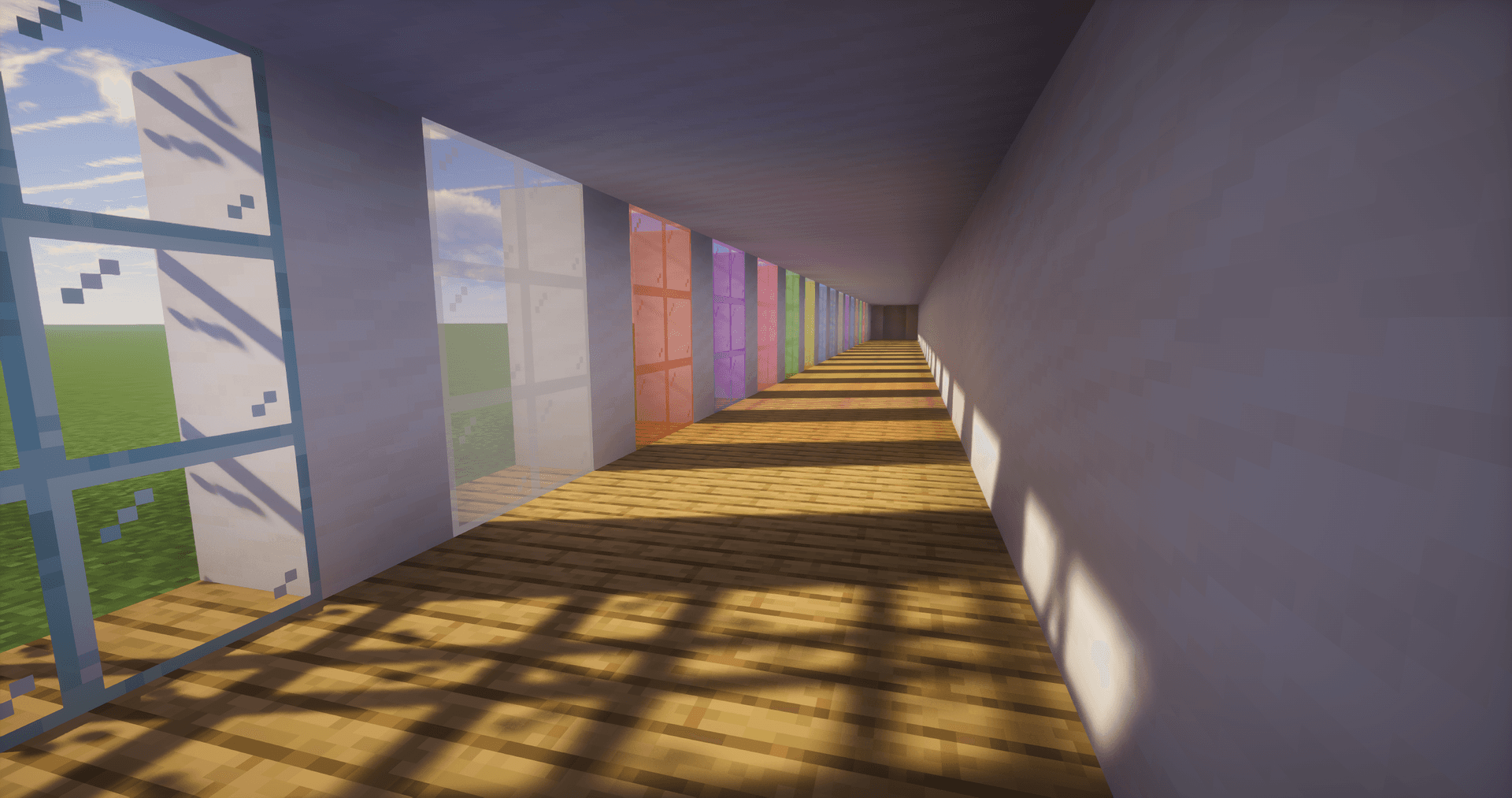
UShader is a realistic shader pack for Minecraft by RRe36, recreating the look of his old private setup. The signature lighting has been rebuilt from scratch and enhanced with features that were not present in the original — volumetric clouds, fog, and a custom sky model. The style is realistic, featuring warm daylight and soft shadows, without harsh stylized color grading.
Visual Features
The pack remodels lighting, shadows, water, and sky while preserving the recognizable silhouette of the vanilla world.
- Lighting: Dynamic daylight with screen-space ambient occlusion (RTAO) — darkening in corners, under overhangs, and between blocks is calculated in real time.
- Shadows: Dynamic soft shadows, the sharpness of which changes depending on the distance to the object and the height of the sun.
- Sky and Atmosphere: A dedicated atmospheric sky model, volumetric fog, and volumetric clouds with physical thickness that light passes through.
- Water: Water volume with refraction and surface reflections.
- Wind: Grass, leaves, and small vegetation sway in the wind.
- Post-processing: Bloom around bright light sources, motion blur, and temporal anti-aliasing with upscaling (TAAU).
Performance
These are not lightweight shaders. The set of demanding effects places noticeable requirements on the graphics card: at least a GTX 1050 or RX 560 with OpenGL 4.0 support, and a more powerful model for stable gameplay. Integrated graphics like Intel HD 5000 and older are not supported.
At default settings, the pack noticeably loads the graphics card — primarily due to volumetric clouds and fog. However, by tweaking the parameters, you can significantly increase FPS while retaining most of the visual benefits. The heaviest effects on the graphics card are volumetric clouds, volumetric fog, and RTAO.
GPU and Drivers: OpenGL 4.0 support is required. On very old cards or outdated drivers, the shaders will not compile. Windows and Linux are supported.
Settings
The balance between quality and FPS is adjusted in the shader settings menu (Shader Options in OptiFine or Shader Pack Settings in Iris). The main options are:
- TAAU (render scaling): Lowers the internal resolution and restores it with anti-aliasing. The fastest way to increase FPS with almost no loss of sharpness.
- Volumetric clouds: The most demanding effect — lowering quality or disabling it gives the largest performance boost.
- Volumetric fog: The second heaviest effect; you can reduce its density or disable it.
- RTAO: Ray-traced ambient occlusion; lowering the sample step count reduces the load on the graphics card.
- Shadows: Shadow map resolution directly affects both FPS and edge sharpness.
- Motion blur and bloom: Cosmetic effects that can be disabled without affecting the rest of the scene.
Conclusion
UShader provides realistic daylighting, volumetric skies, and soft shadows, while keeping the world's shapes vanilla. The pack is suitable for survival gameplay or screenshots when a warm, realistic atmosphere is desired without switching to heavier path-traced packs.
Installation
A typical installation takes about 5 minutes. The flow is the same; only the loader and the matching build differ.
- Install a shader loader: OptiFine, or Iris + Sodium for better performance.
- Download the shader pack (.zip).
- Open Options → Video Settings → Shaders → Shaders Folder and drop the .zip in.
- Click the shader pack in the list to enable it.